How can we help you?
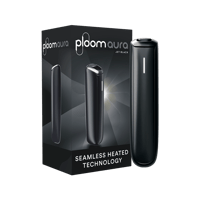
How do I reset my Ploom AURA?
Resetting your Ploom AURA is quite simple.
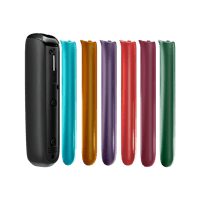
1. Remove the front cover.
2. Using a thin and pointed object (such as a ballpoint pen), gently press the button for five seconds.
3. The LED line will blink rapidly 10 times and your device will vibrate.
Your Ploom AURA will return to its default settings and will be ready for use again.
**Note:** If the red LED dot remains lit for five seconds, this indicates a permanent error. In this case, you will observe the same result when you connect the USB-C cable. A permanent error cannot be resolved by resetting your device. In such a situation, you can contact the Ploom Consumer Care team for support.