How can we help you?
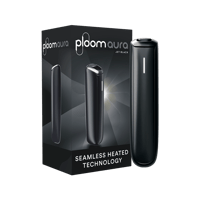
How do I start my Ploom AURA for the first time?
Your new Ploom AURA device will be delivered in Shipping Mode.
To exit Shipping Mode, connect the USB-C cable to the port at the bottom of the device and leave it connected to a power source for a short period. The device may become ready for use after a brief charge.
If you wish to fully charge the device, keep it connected to the power source until the LED indicator blinks ten times and the device vibrates simultaneously.
After the device exits Shipping Mode, only ten LED lights will blink. During subsequent charging cycles, the LED indicator will blink twice and then turn off to indicate a full charge.
For charging and use of the device, please follow the instructions provided in the user manual.