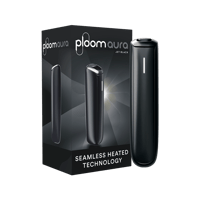
How to register my Ploom device?
Registering your Ploom device is quick and easy.
Use your phone to scan the unique QR code located inside the box your device came in. (The QR code on the outside of the box is intended for retailers and is not used for registration.)
Once scanned, you’ll be redirected to create your personal account. Simply enter your details to complete the registration process.
Registering your device helps you access warranty-related support and services. Your registered device information can help us process support requests in line with applicable warranty terms and legal requirements.
In addition, registering your device automatically earns Ploom Club points on your account and gives you access to learn more about the benefits of Ploom Club.